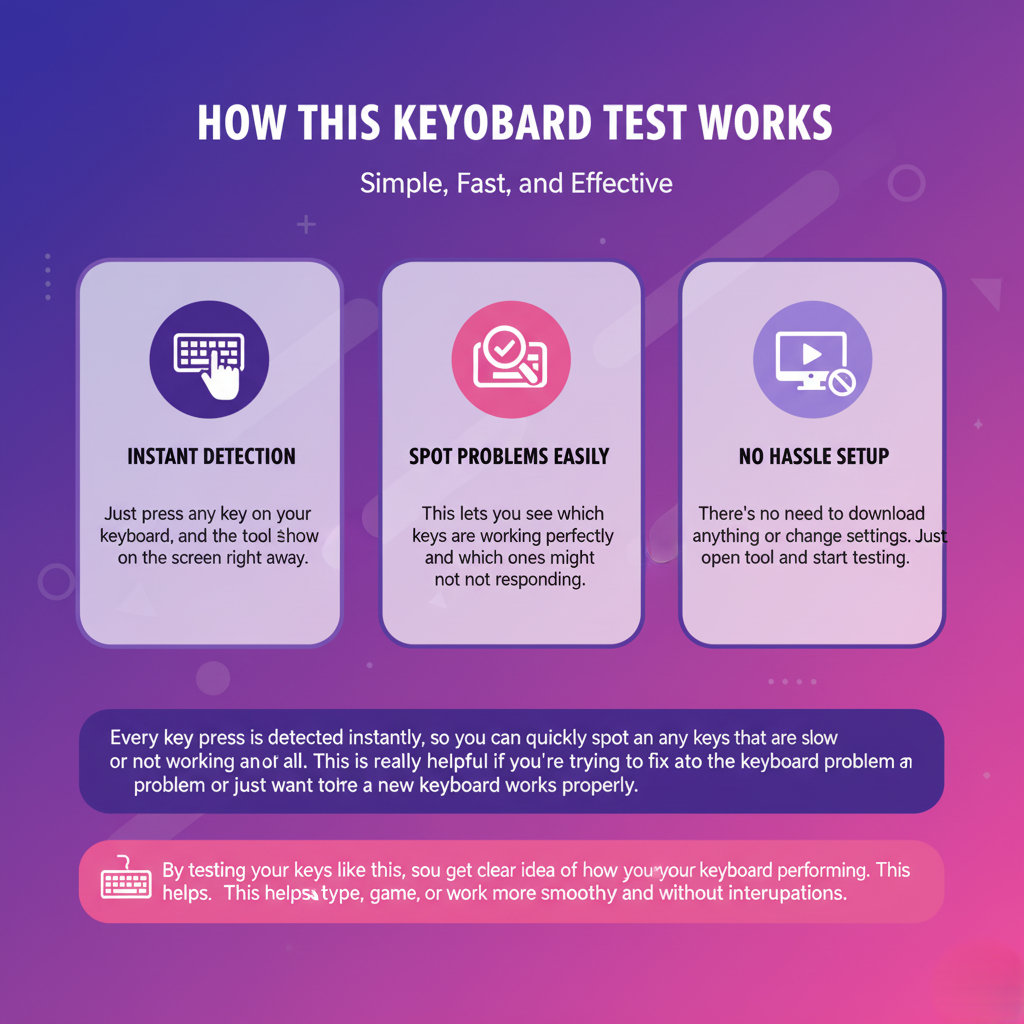
With our online tool, you can quickly see how fast your keyboard sends signals and how each key responds. Whether you’re a gamer, a fast typist or a professional, this tool gives you instant and accurate feedback. No downloads or setup needed. Just open it, test your keyboard and make sure every keystroke work perfectly for smooth typing or gaming.
Keyboard Polling Rate Test By TypingBaba
Test Your Keyboard Polling Rate
Check how fast your keyboard sends signals to your computer with our polling rate and frequency test. See real time results for every key and understand your keyboard’s performance instantly.
Keyboard ready - press any key to test
Keyboard Shortcuts: Ctrl+1-7 (Switch layouts) | Ctrl+R (Reset) | Ctrl+M (Toggle sound) | Ctrl+E (Export CSV) | Ctrl+J (Export JSON)
Tip: Keyboard is automatically focused for testing. Keys stay highlighted until you press the Reset button.
Explore Our Smart Typing Tools
At TypingBaba, we offer a range of free online tools designed to make typing easier, faster and more accurate. Whether you want to test your keyboard, track your typing speed or improve your overall performance, our tools help you type confidently and efficiently.

Test Your Keyboard Speed Instantly
The TypingBaba Frequency Test shows how quickly your keyboard responds in just a few seconds.
You can see in real time how fast each key reacts when you press it. Whether you type for work, play games or spend a lot of time on your computer, this tool helps ensure your keyboard is working correctly.
It also points out any slow or unresponsive keys so that you can fix them quickly.
With this test, you can type confidently, stay accurate and work or play faster. It helps you know if your keyboard keeps up with your speed or if it’s time for an upgrade.
Understand How Your Keyboard Responds
Using the TypingBaba Frequency Test is simple. Just press any key and the tool will show you how quickly it responds, helping you feel confident about your keyboard performance without any confusion.
This instant feedback is excellent if your keyboard feels slow or if you want to check a new keyboard before using it.
You can see how it behaves when you type fast or play games, all without downloading anything or setting up complicated software.
It helps you know exactly how your keyboard is performing so you can type comfortably and confidently.

Track Your Keyboard Speed and Accuracy
TypingBaba Frequency Test helps you check how well your keyboard responds to each key press. It’s useful for typists, gamers and anyone who spends long hours on a computer. The tool measures the speed and consistency of your keystrokes, making it easy to spot slow, missed or unresponsive keys.
You can test every key in real time and see which ones work smoothly and which may cause problems. Regular testing helps reduce errors and keeps your typing or gaming performance smooth and reliable.
Check Each Key Individually
Regular checks with the Frequency Test also give you confidence that every key press will register correctly, helping you type faster, work more efficiently and avoid unnecessary errors.
Ideal for Fast Typists and Gamers
If you type quickly or play games that demand rapid keystrokes, your keyboard’s responsiveness is critical. The Frequency Test helps you understand how your keyboard behaves under fast-paced conditions, ensuring that every press counts and keeping your performance consistent.
Detect Slow or Unresponsive Keys
Even slight delays or missed keystrokes can cause frustration and slow you down. This tool clearly highlights these problems, so you can take action, whether it’s cleaning your keyboard, adjusting settings or upgrading your hardware.
Boost Confidence and Efficiency
When you know your keyboard is performing well, you can type faster, more confidently and with fewer interruptions. Regular checks with the Frequency Test help maintain your productivity, prevent frustration and give you peace of mind that your keyboard won’t slow you down.
Improve Speed and Prevent Errors
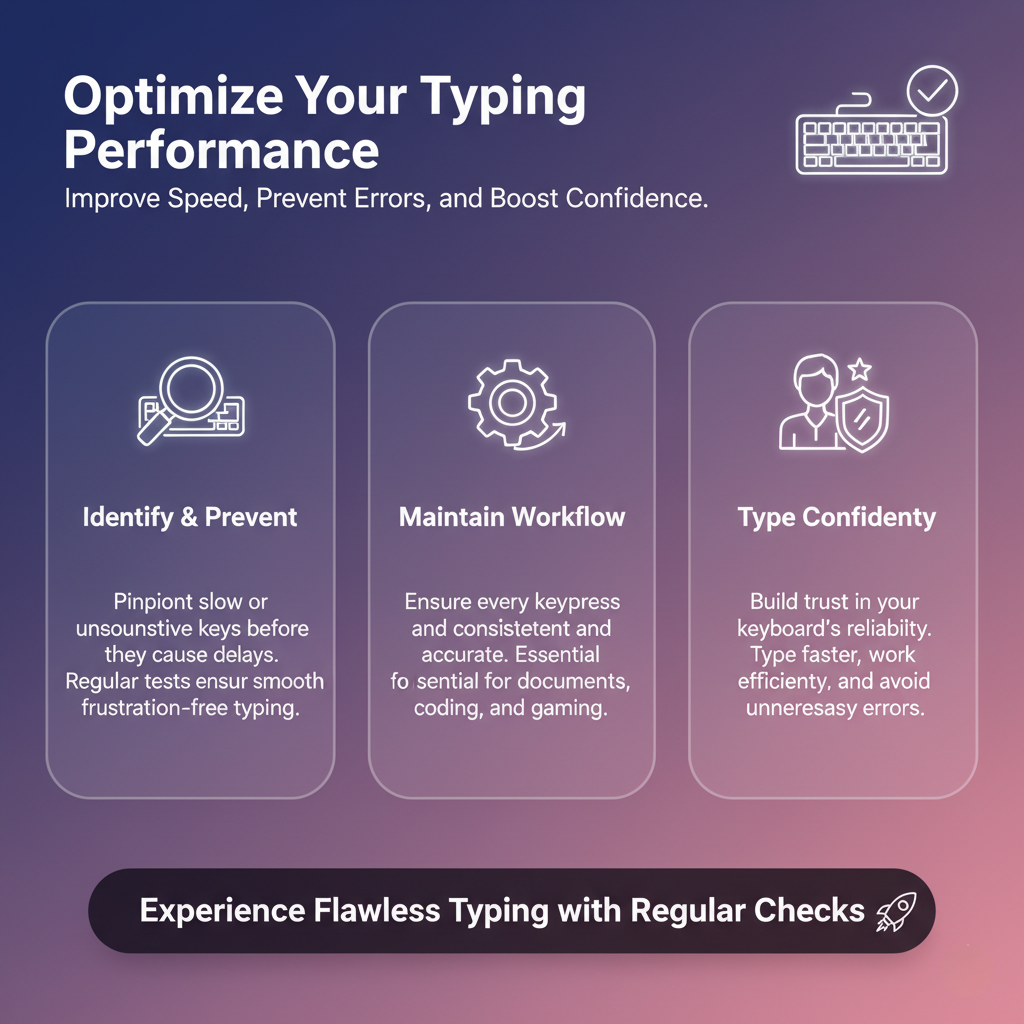
Minor delays or missed keystrokes can slow you down and cause mistakes, whether you’re typing documents, coding or gaming.
The TypingBaba Frequency Test helps you identify slow or unresponsive keys before they become a problem.
By testing your keyboard regularly, you can make sure every key works smoothly and consistently. It keeps your typing fast, accurate and frustration-free.
Whether you are working on essential tasks, writing emails or playing games, the tool helps you maintain a smooth workflow and ensures your keyboard never holds you back.

Perfect for Everyone
The TypingBaba Frequency Test is perfect for anyone who depends on their keyboard.
Gamers get precise responses for fast gameplay, typists can maintain speed and accuracy and professionals can rely on consistent performance for work tasks.
Even casual users benefit by checking that their keyboards respond properly. Regular testing keeps your keyboard in top condition, helping you type, work or play without any delays or interruptions.
It ensures every keystroke counts, making your daily typing experience smoother and more reliable.
Frequently Asked Questions (FAQ)
The polling rate is how often your keyboard tells your computer what keys you’re pressing, measured in Hertz (Hz). A higher polling rate means faster response times, which is especially important for gamers and fast typists who need every keystroke to register instantly.
Yes! Gamers benefit from a higher polling rate because it ensures keys respond quickly and accurately, making fast actions and combos more precise. Even small delays can affect performance in competitive games, so testing your polling rate is essential.
Absolutely! Online tools provide instant results, showing real-time key performance. No downloads, no installation. Just open the tool and test your keyboard immediately.
Some wireless keyboards may have slightly slower key response compared to wired ones. Testing helps you see the difference and ensure your keyboard meets your needs.
It’s a good idea to test whenever you notice delays or missed key presses, after heavy use, or when using a new keyboard. Regular checks help maintain optimal performance.