With our online keyboard test, you can see how every key responds in real time. Whether you’re typing, gaming or working, this tool shows if your keys are fast, slow or double pressing. No downloads or setup. You have just open the tool, press the keys and make sure every keystroke works perfectly.
Keyboard Test By TypingBaba
Yes, TypingBaba is completely free to use. There are no hidden charges, subscriptions, or limitations on any tool. All typing tools, tutors, tests, translators, and converters are available to everyone without any cost.
Check Your Keyboard Instantly
Use our keyboard test tool to see how every key on your keyboard is responding. Identify keys that are slow, stuck or double pressing without extra effort.
Keyboard ready - press any key to test
Keyboard Shortcuts: Ctrl+1-7 (Switch layouts) | Ctrl+R (Reset) | Ctrl+M (Toggle sound) | Ctrl+E (Export CSV) | Ctrl+J (Export JSON)
Tip: Keyboard is automatically focused for testing. Keys stay highlighted until you press the Reset button.
Our Advance Typing Tools
Discover typing tools that actually make typing easier and faster. At TypingBaba, we offer a variety of free online tools to help you practice, improve your speed and type more accurately.
From testing your keyboard to tracking your typing performance, these tools are designed to make your typing experience smooth and efficient. They work on any device, whether you’re on a laptop, desktop or tablet.
How This Keyboard Test Works
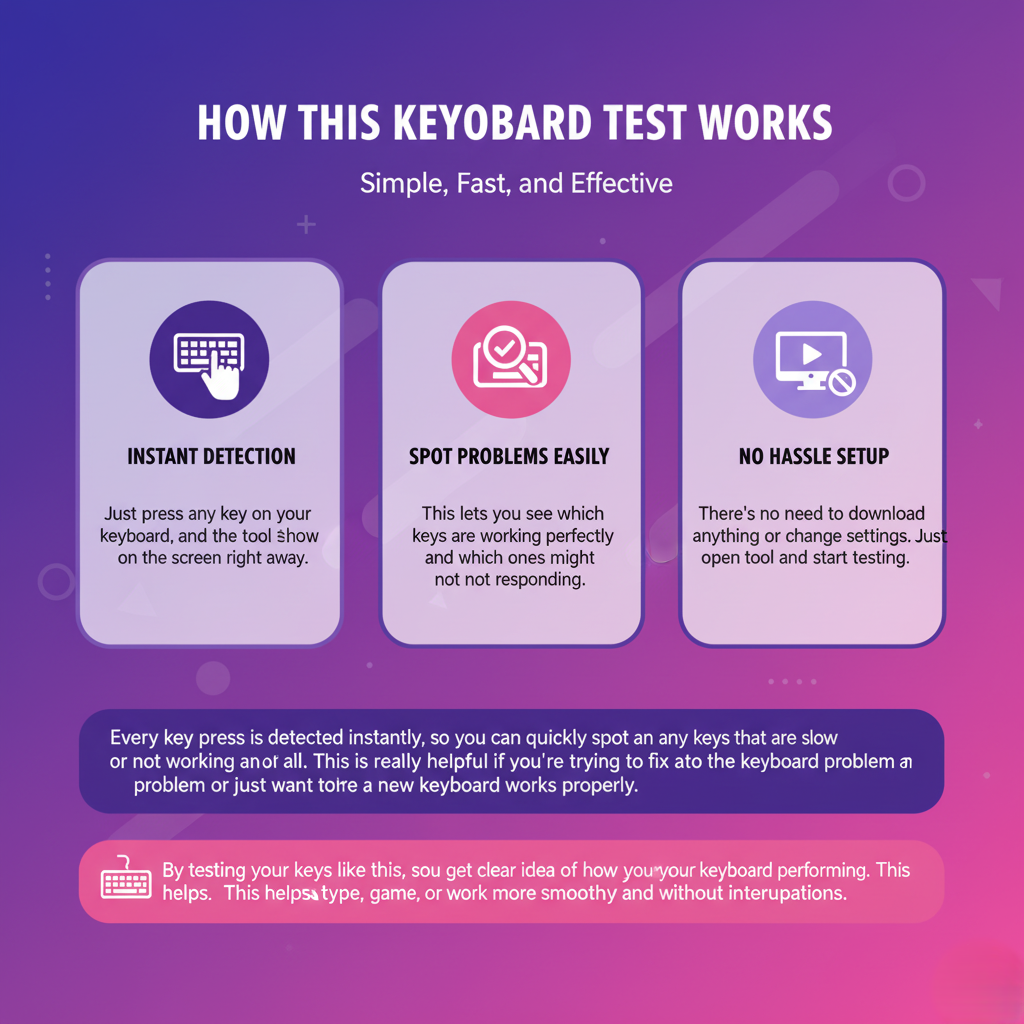
Using the Keyboard Tester is super easy. Just press any key on your keyboard and the tool will show it on the screen right away. This lets you see which keys are working perfectly and which ones might not be responding. There’s no need to download anything or change settings. Just open the tool and start testing.
Every key press is detected instantly, so you can quickly spot any keys that are slow or not working at all. This is really helpful if you’re trying to fix a keyboard problem or just want to make sure a new keyboard works properly.
By testing your keys like this, you get a clear idea of how your keyboard is performing. This helps you type, game or work more smoothly and without interruptions.


Works on Any Keyboard
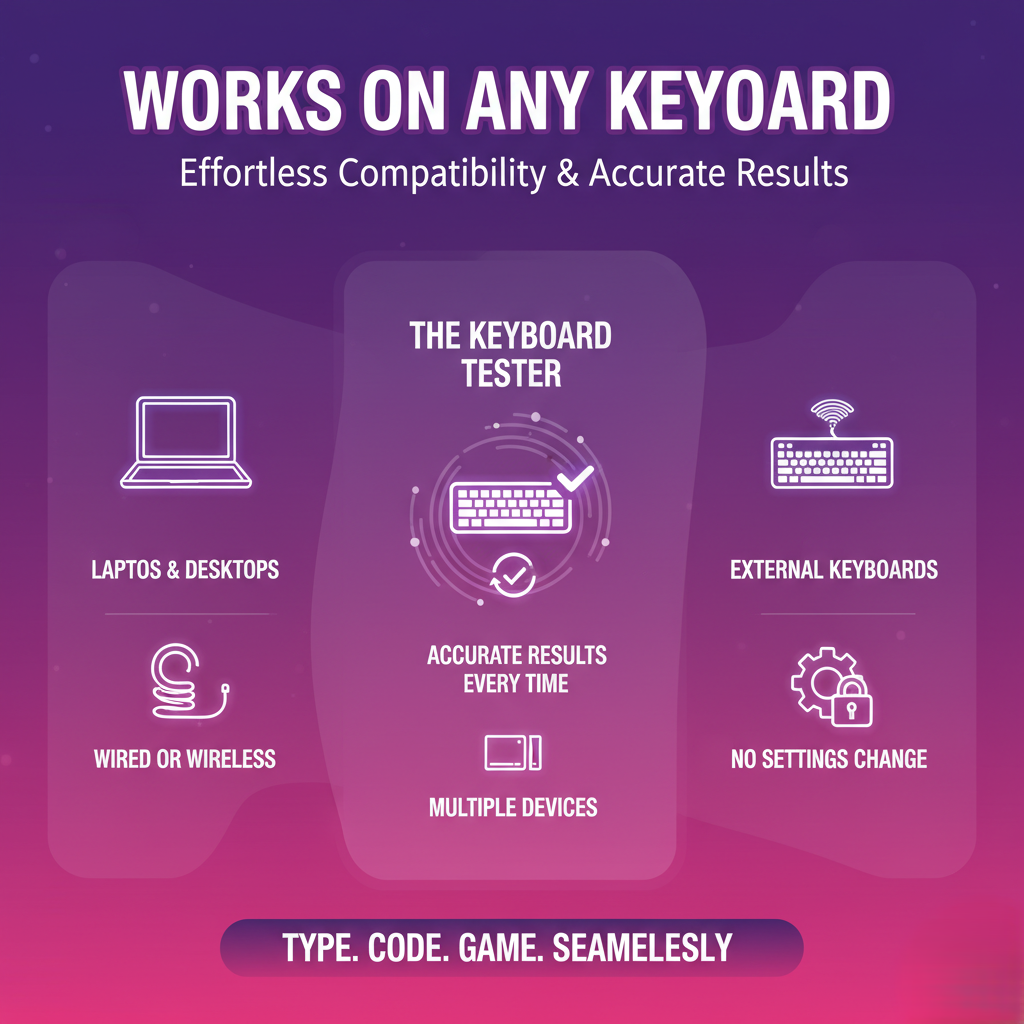
The Keyboard Tester works smoothly on laptops, desktop computers and all types of external keyboards. It doesn’t matter if your keyboard is wired or wireless, the tool picks up every key press and shows accurate results each time.
This is especially helpful if you use more than one device or often switch keyboards. You don’t need to change any settings or install anything. Just open the tool and start testing, it’s that simple. The experience stays the same on every device, so anyone can use it without confusion.
Using this tester gives you peace of mind that your keyboard is working properly. Whether you’re typing documents, coding, studying or gaming, you can trust that every key press is being registered smoothly and correctly.
Check Every Key Easily
With this tool, you can test every single key on your keyboard. Letters, numbers, function keys, and special keys, all of them can be tested to make sure they’re working correctly.
Letter & Number Keys
Test all the letter and number keys to make sure each one types correctly. This helps you identify any key that might be sticking, delayed or not responding at all. If a single letter or number is not working, it can slow down typing or cause mistakes, so checking them first is very important.
Function Keys
Function keys like F1-F12, Esc and other shortcut keys are often overlooked but are essential for work, coding or gaming. Testing them ensures that shortcuts and commands work exactly as expected, helping you avoid frustration during important tasks or gaming sessions.
Special & Modifier Keys
Keys like Shift, Ctrl, Alt, arrow keys and other special keys are crucial for typing shortcuts, navigating documents and controlling games. This tool helps you ensure that these keys respond perfectly, so your workflow remains smooth and your gaming or coding performance isn’t affected.
Testing each of these areas gives you a complete picture of your keyboard’s health. You’ll know exactly which keys are responsive and which need attention, helping you type faster, more accurately and without interruptions.
Supports All Major Layouts
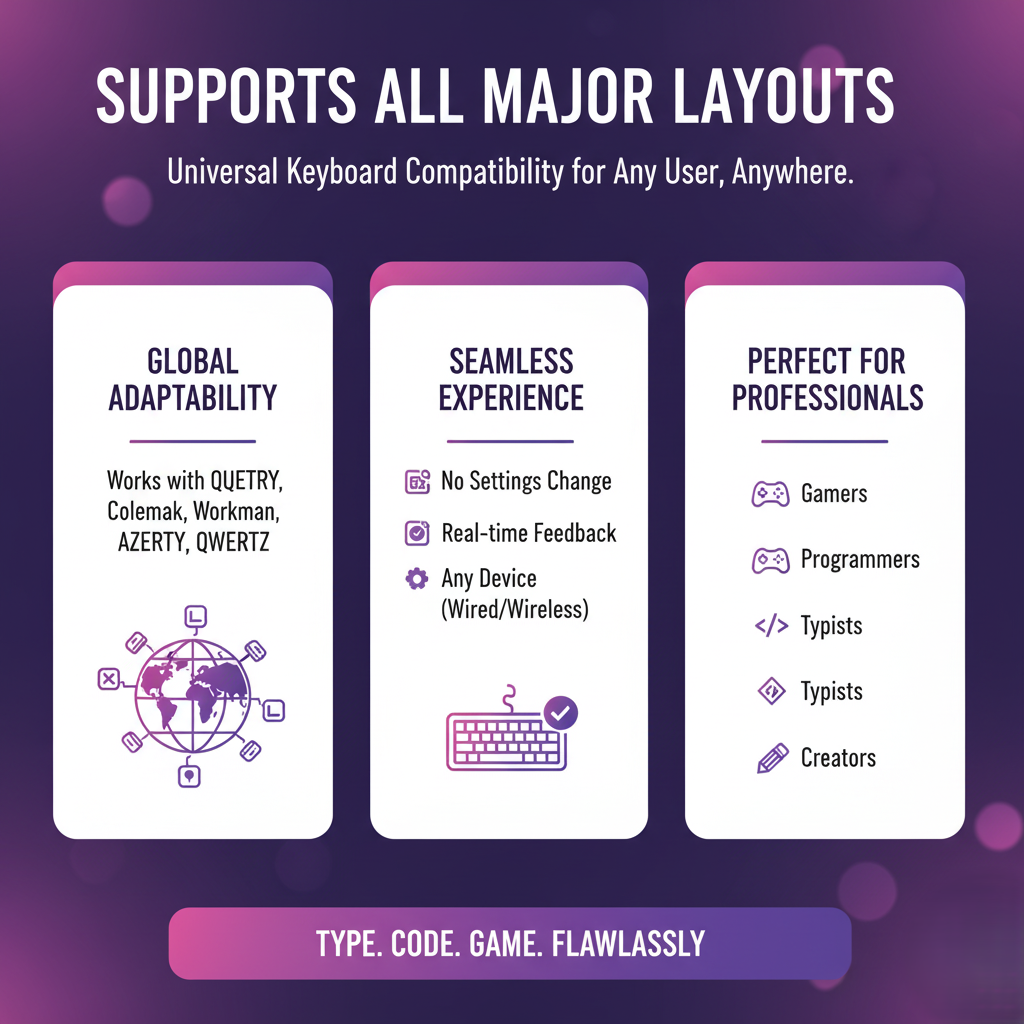
This tool works with all popular keyboard layouts like QWERTY, Colemak, Dvorak, Workman, AZERTY and QWERTZ. So no matter which layout you use, you can test your keyboard accurately.
It’s great for gamers, programmers, or professionals who might switch between layouts or devices. You’ll get precise results without changing any settings.
This makes it perfect for users all over the world, whether you’re typing, coding or gaming. The tool automatically adapts to your keyboard layout, giving real time feedback for every key.
With support for multiple layouts, you can easily check your keyboard on any device, ensure all keys are responsive and keep your typing or gaming smooth and error free.

Perfect for Everyone
The Keyboard Tester is designed for anyone who uses a keyboard regularly. Whether you are a student typing assignments, a professional working on reports, a programmer coding software or a gamer competing online, this tool helps you make sure every key is working properly and responding instantly.
It’s especially useful if you have a new keyboard and want to check it before heavy use or if some keys on your old keyboard feel slow or unresponsive. Testing ensures that you avoid mistakes, delays and unnecessary frustration during work or gaming sessions.
Even casual typists can benefit from this tool, as it makes spotting key issues quick and easy. For gamers and professionals, it provides confidence that every key responds accurately, keeping your typing, coding or gaming smooth and reliable every time.
Frequently Asked Questions (FAQ)
A keyboard test is an online tool designed to help you check whether every key on your keyboard is functioning correctly. It highlights unresponsive, stuck or double pressing keys, allowing you to identify potential issues before they interfere with typing, gaming or professional work. Using this test regularly can help you maintain your keyboard in perfect condition.
Yes! Online keyboard tests are compatible with all types of keyboards, including laptops, wired, and wireless models. The tool works across devices and operating systems, giving accurate feedback for every key regardless of the connection type.
Keys may fail to register due to dust, dirt, worn-out switches, or hardware problems. A keyboard test helps you pinpoint which keys are causing trouble so you can clean, repair, or replace them. This prevents frustration from missed keystrokes and ensures your typing or gaming experience remains smooth and reliable.
It’s a good practice to test your keyboard regularly—especially if you notice typing delays, after extended use, or before important work or gaming sessions. Regular checks help maintain smooth performance, prevent errors, and ensure every key responds accurately.
Absolutely! For gamers, precise and fast key response is critical. Testing your keyboard ensures no delays or double inputs occur during fast-paced gameplay, helping you maintain control, react quickly, and perform better in competitive gaming or high-speed typing scenarios.