Test your typing speed and accuracy with our easy online typing tool. Type directly in the box, see your mistakes and speed in real time and improve gradually. Perfect for students, professionals or anyone who wants to type faster and error free. No installation needed. Just start typing and see instant results.
2 Min Typing Test – Test Your Typing Speed & Accuracy with TypingBaba
Free Online 2 Min Typing Test
Try our online typing test now! Type directly in the box and get instant feedback on your speed and accuracy. Track your mistakes, see real time results and gradually improve your typing skills.
Keyboard ready - press any key to test
Keyboard Shortcuts: Ctrl+1-7 (Switch layouts) | Ctrl+R (Reset) | Ctrl+M (Toggle sound) | Ctrl+E (Export CSV) | Ctrl+J (Export JSON)
Tip: Keyboard is automatically focused for testing. Keys stay highlighted until you press the Reset button.
Our More Typing Tools
Explore our typing tools designed to improve typing speed, accuracy and overall productivity. TypingBaba offers a wide range of free online typing tools that help users practice better, test keyboard performance and manage typing tasks easily on any device.

How Does the Typing Test Work?
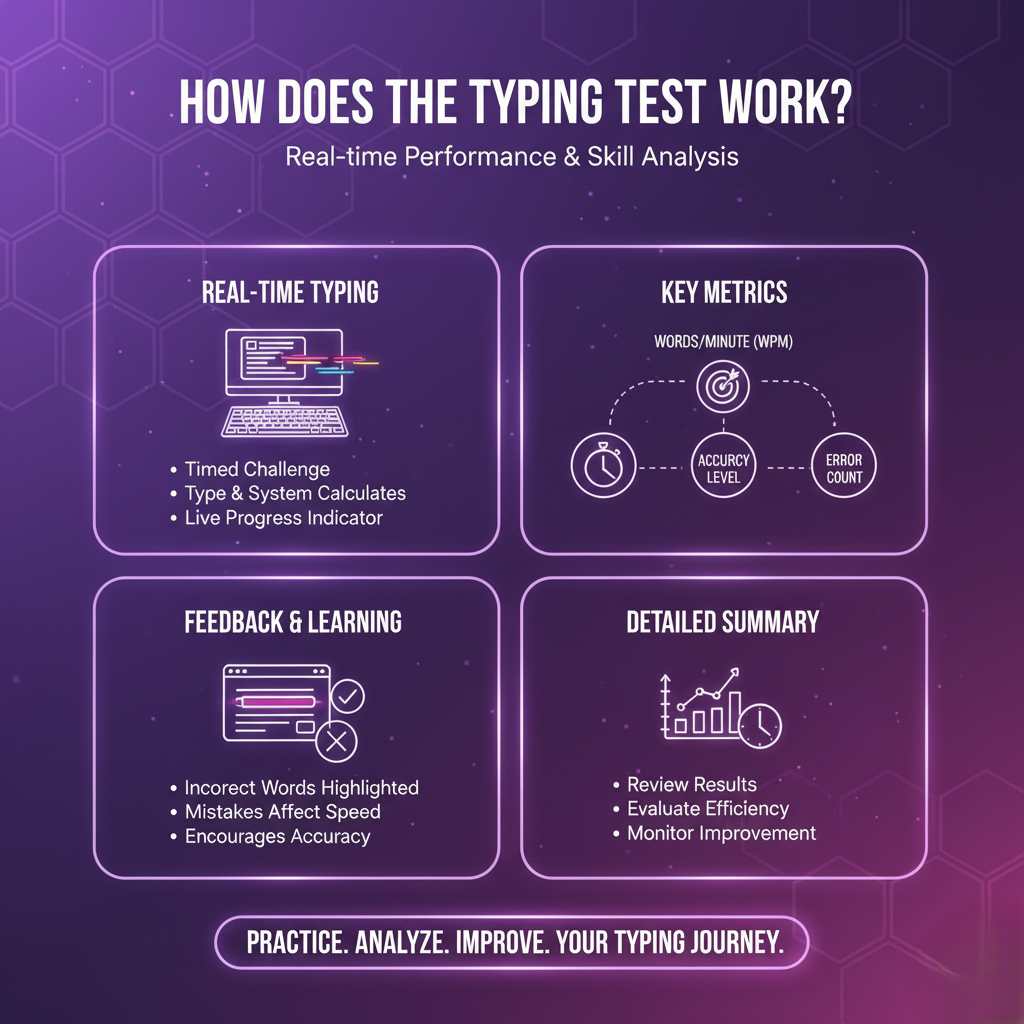
The typing test allows you to type as many words as possible within a selected time limit. As you type, the system automatically calculates your typing speed and overall performance in real time.
It measures key factors such as words per minute, accuracy level and error count to give you a clear picture of your typing skills.
During the test, incorrectly typed words are highlighted and mistakes affect the final speed calculation, encouraging both accuracy and speed. A live progress indicator displays performance details throughout the test, allowing you to monitor improvements in real time.
Once the time is completed, a detailed performance summary is generated so you can review your results and evaluate your typing efficiency.
Check Typing Speed, WPM & Accuracy
To accurately measure typing performance, standard calculation methods are used. These formulas help determine overall speed, actual usable speed, error impact and accuracy level reliably and transparently.
Gross Words Per Minute (GWPM)
Gross Words Per Minute represents the total typing speed without considering mistakes. It is calculated by counting the total number of characters typed during the test, dividing that number by five (since five characters are treated as one word) and then dividing the result by the total test time in minutes.
For example, if you type 100 characters in 1 minute, the gross speed will be calculated as 100 ÷ 5, yielding 20 GWPM. This value helps you to understand your maximum potential speed.
Net Words Per Minute (NWPM)
Net Words Per Minute shows the actual typing speed you can rely on, as it considers accuracy along with speed. This value is calculated by subtracting the number of incorrect words from the gross speed. For instance, if your GWPM is 20 and you make errors in 5 words, your net typing speed will be 15 WPM. This metric gives a more realistic picture of actual typing performance.
Error Rate
Error rate indicates how many incorrect words were typed per minute during the test. It is calculated by dividing the total number of wrong entries by the total time taken in minutes. For example, if 10 incorrect words are typed in 2 minutes, the error rate will be 5 errors per minute. This helps users understand how mistakes impact overall performance.
Accuracy Percentage
Accuracy reflects how correctly you typed during the test. It is calculated by dividing the number of correct words by the total number of typed words and then multiplying the result by 100. For example, if 60 correct words are typed out of 120 total words, the accuracy will be (60 ÷ 120) × 100, which equals 50%. Higher accuracy indicates better typing control and precision.
How to Begin the Typing Test
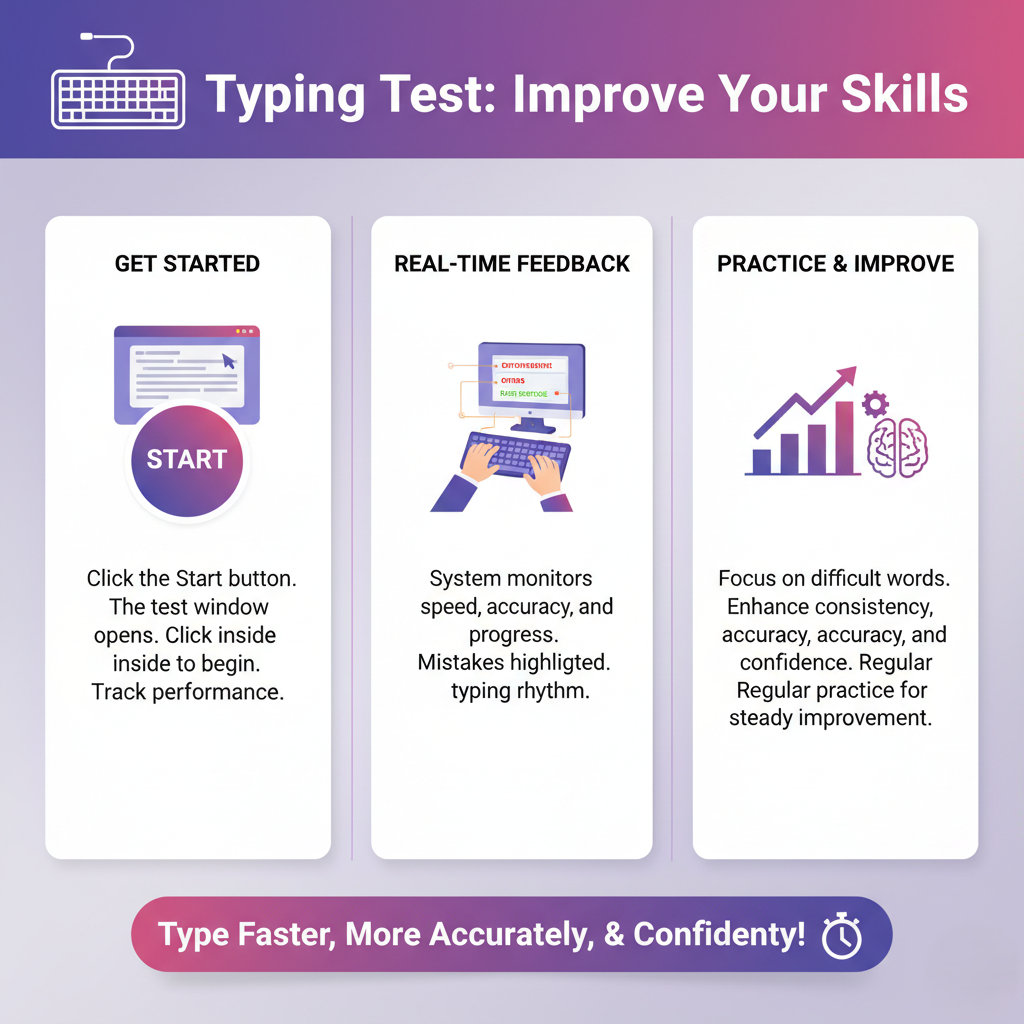
To start the typing test, click the Start button. The test window will open, showing the text you need to type. Click inside the typing area to begin and the tool will track your performance in real time.
As you type, the system monitors your speed, accuracy and overall progress. Mistakes are highlighted instantly, helping you identify where improvement is needed. The tool also records your typing rhythm, so you can notice patterns that slow you down or cause repeated errors.
This typing test is designed not just to measure speed, but to help you practice effectively. By working on difficult words and sections repeatedly, you can improve your consistency, accuracy, and confidence.
Whether you’re a student, professional, or casual user, regular practice ensures steady improvement. With instant feedback and a simple interface, you can type faster, more accurately and feel more confident every time you use the tool.

Important Note for Students Preparing for Government Typing Exams
For candidates preparing for government typing exams, it is essential to focus on accuracy before speed. Focusing too much on speed at the start can cause more mistakes and lower your overall performance.
It’s better to stay calm, type steadily and build speed gradually. Sitting straight and staying alert during the test helps you stay comfortable and avoid tiredness.
Keep your hands in the correct position and let your fingers move freely instead of resting your palms on the keyboard. This gives you better control, smoother movement and helps you type more accurately for longer periods.
Avoid looking at the keyboard while typing, as this habit slows progress and prevents the development of proper muscle memory. Keeping nails trimmed allows smoother key presses, and instead of memorizing key positions visually, building strong finger memory is far more effective.
Using a comfortable and reliable keyboard can also make a noticeable difference in typing performance, especially during long practice sessions or exams.
A Thought to Reflect On
If you work on a computer every day but never learn proper typing, a lot of your valuable time quietly slips away. Tasks take longer, effort increases and productivity stays limited.
Improving your typing skills can save hours, sharpen focus and help you achieve more with less effort. Sometimes, one small habit can create a significant change.
Frequently Asked Questions (FAQ)
A typing test is an online tool that measures your typing speed and accuracy. By typing the given text, it calculates words per minute (WPM) and highlights mistakes in real time. This helps you understand your typing skills, track progress and improve efficiency for both professional work and learning.
Typing accuracy is crucial because it ensures fewer mistakes and saves time during typing tasks. High accuracy improves overall productivity, reduces the need for corrections, and builds confidence in professional work, exams, or content creation. Even if you type fast, accuracy ensures your work is reliable.
No, learning touch typing without looking at the keyboard is the best way to improve speed and accuracy. Initially, it may feel slow, but over time, it helps you type more efficiently, reduces errors, and allows you to focus on the content rather than key positions.
For most people, 40–60 WPM is considered average. Professionals and regular typists often aim for 70–100 WPM or higher. While speed is important, accuracy matters more initially. Consistent practice gradually improves both speed and precision.
The time required to learn touch typing depends on your daily practice. With regular practice of around 15–30 minutes per day, most users notice significant improvement in speed and accuracy within 2 to 4 weeks. Consistency plays a key role in mastering typing skills.